How-To Guides
How to Choose the Right BI Tool for Your Business: Power BI vs Tableau vs Looker
April 8, 2026
admin
41 views
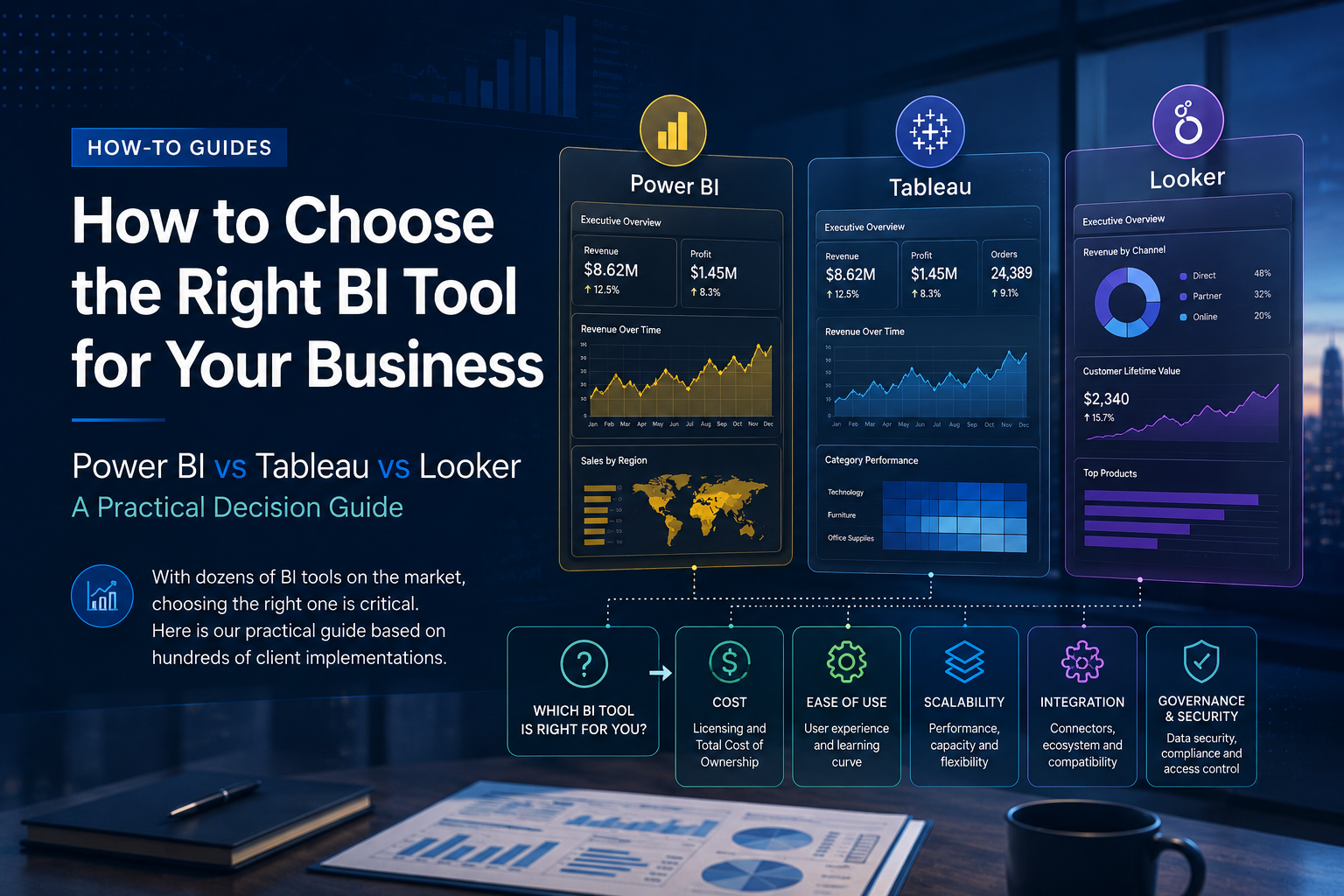
After implementing Business Intelligence solutions for over 60 organisations across Zimbabwe and Southern Africa, the Desmerm team has a clear view of which BI tools suit which business contexts.
Power BI
Best for: Organisations already in the Microsoft ecosystem (Office 365, Azure, Dynamics). Excellent price-to performance ratio, with the full suite available for USD 10/user/month.
Pros: Native integration with Excel, Teams, and SharePoint; strong AI/ML features built in; large community and documentation; excellent for self service analytics.
Cons: Less performant on very large datasets without Premium capacity; limited customisation compared to code based alternatives.
Verdict: Our first recommendation for most Zimbabwean SMEs and mid market organisations.
Tableau
Best for: Organisations with complex visualisation requirements and dedicated analysts who will push the tool's capabilities.
Pros: Best in class visualisation flexibility; excellent for exploratory analysis; strong user community.
Cons: Higher cost; steeper learning curve for non-technical users; less native integration with cloud data warehouses.
Verdict: Excellent for data-mature organisations with dedicated BI teams.
Looker Studio (formerly Data Studio)
Best for: Organisations with limited budget or those primarily reporting from Google ecosystem tools (Analytics, BigQuery, Sheets).
Pros: Free; very easy to set up; good for marketing and web analytics reporting.
Cons: Limited data modelling capabilities; not suitable for enterprise level needs.
Verdict: Great as a starting point or supplementary tool; not sufficient as a primary enterprise BI platform.
Our Recommendation
Most of our clients benefit most from starting with Power BI and graduating to a hybrid environment as their needs grow. Contact Desmerm for a free BI readiness assessment.